



Intermittent fasting timer
Pick a 12:12, 14:10 or 16:8 plan, or build your own schedule. The timer runs live on your home screen and tells you exactly how long is left until you eat again.
IGNITE AI
Snap meals for calories and macros in seconds, see your goal body with AI Physique, and train with a coach that knows your day.
Snap it. Log it. Crush it.


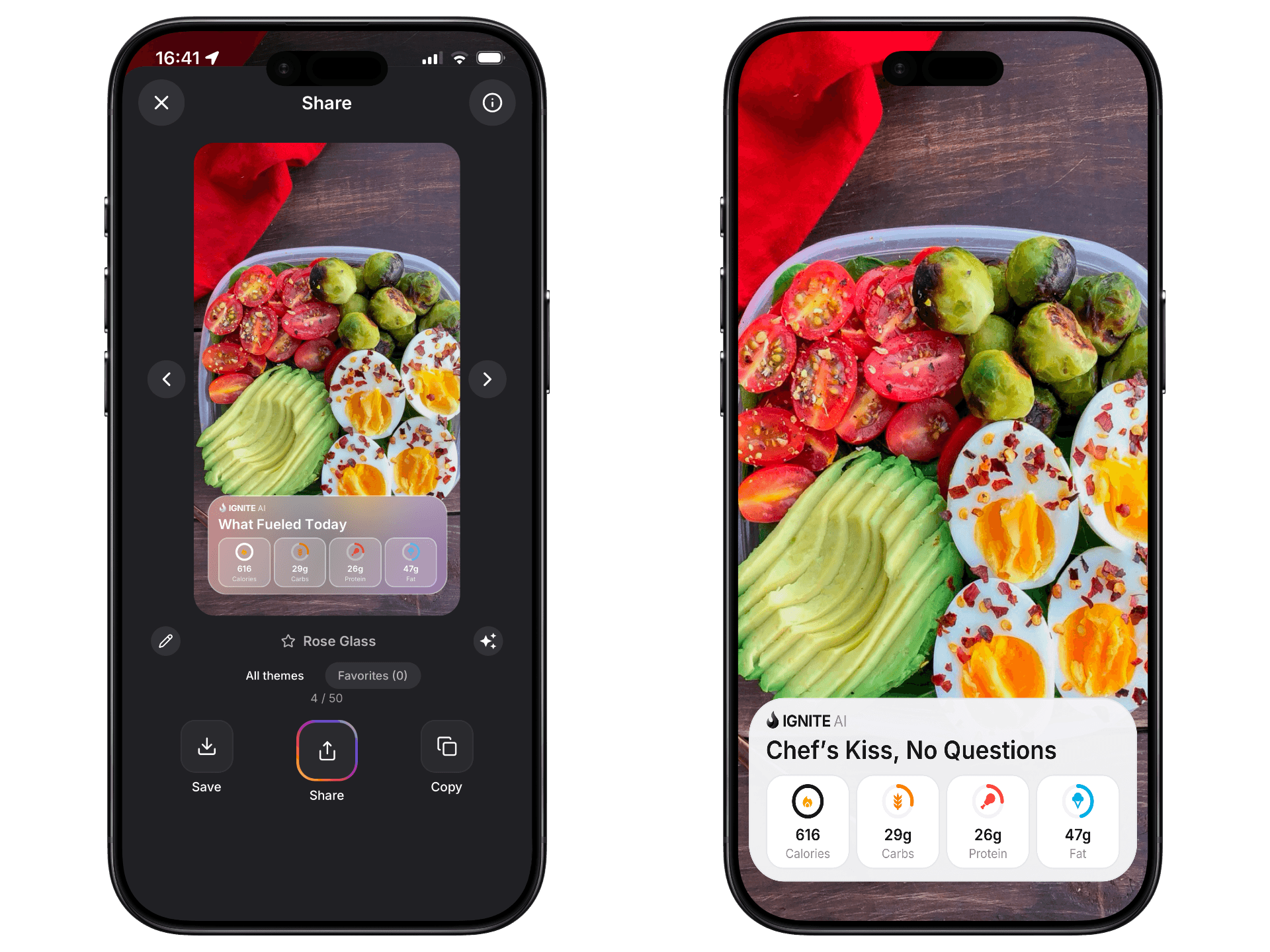
Skip the food diary. Point your camera at any dish and IGNITE AI breaks it down into calories, protein, carbs and fat. Log and share.
AI Physique
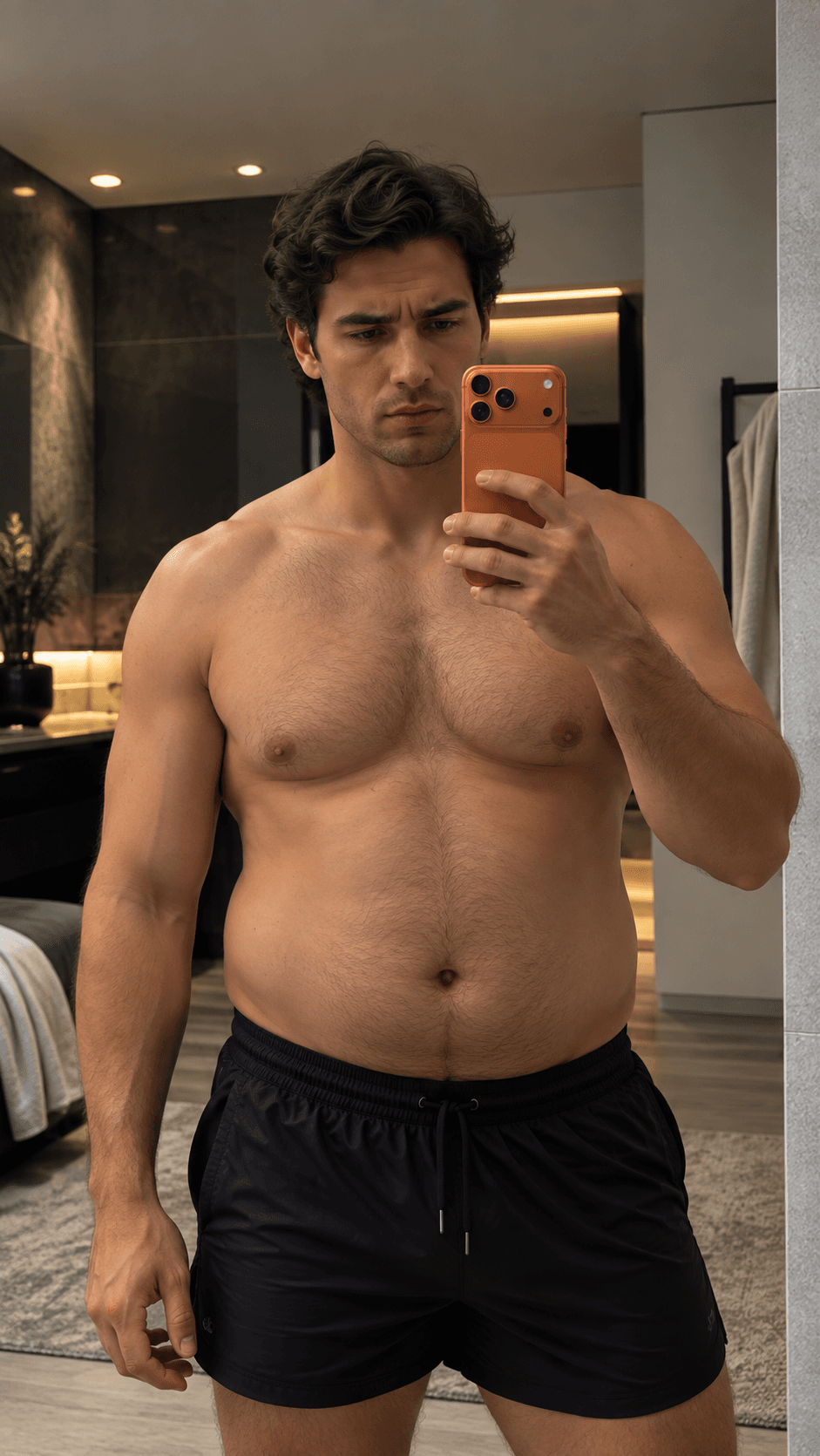
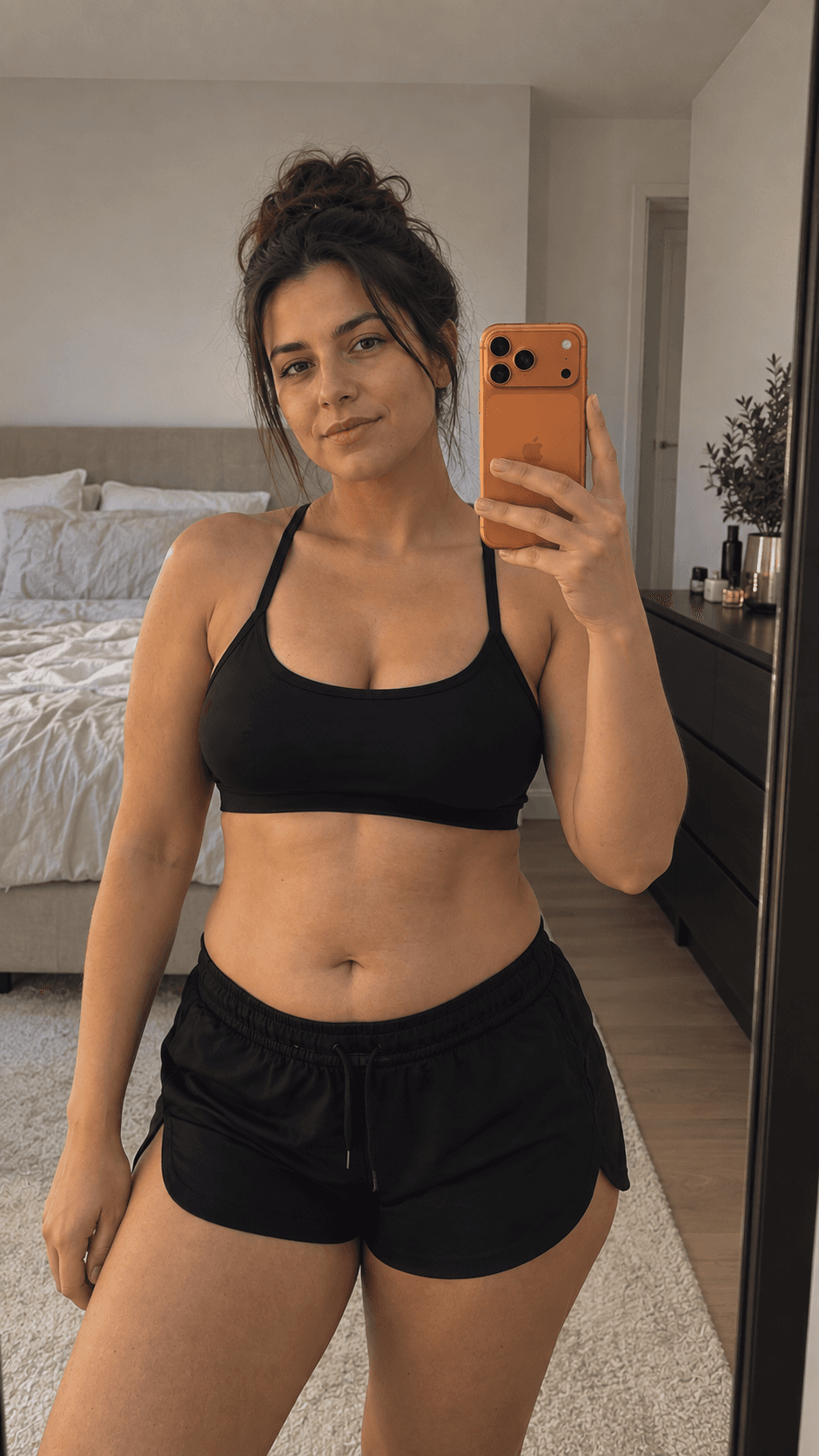
Snap one photo and AI Physique estimates your body fat range, then lets you generate your goal body in 10+ physique styles, from Lean and Athletic to Shredded and Bulky. A clear picture of where you’re headed, and a real reason to keep going.
Snap one photo. AI maps your shape, build and muscle in seconds.
Health signals
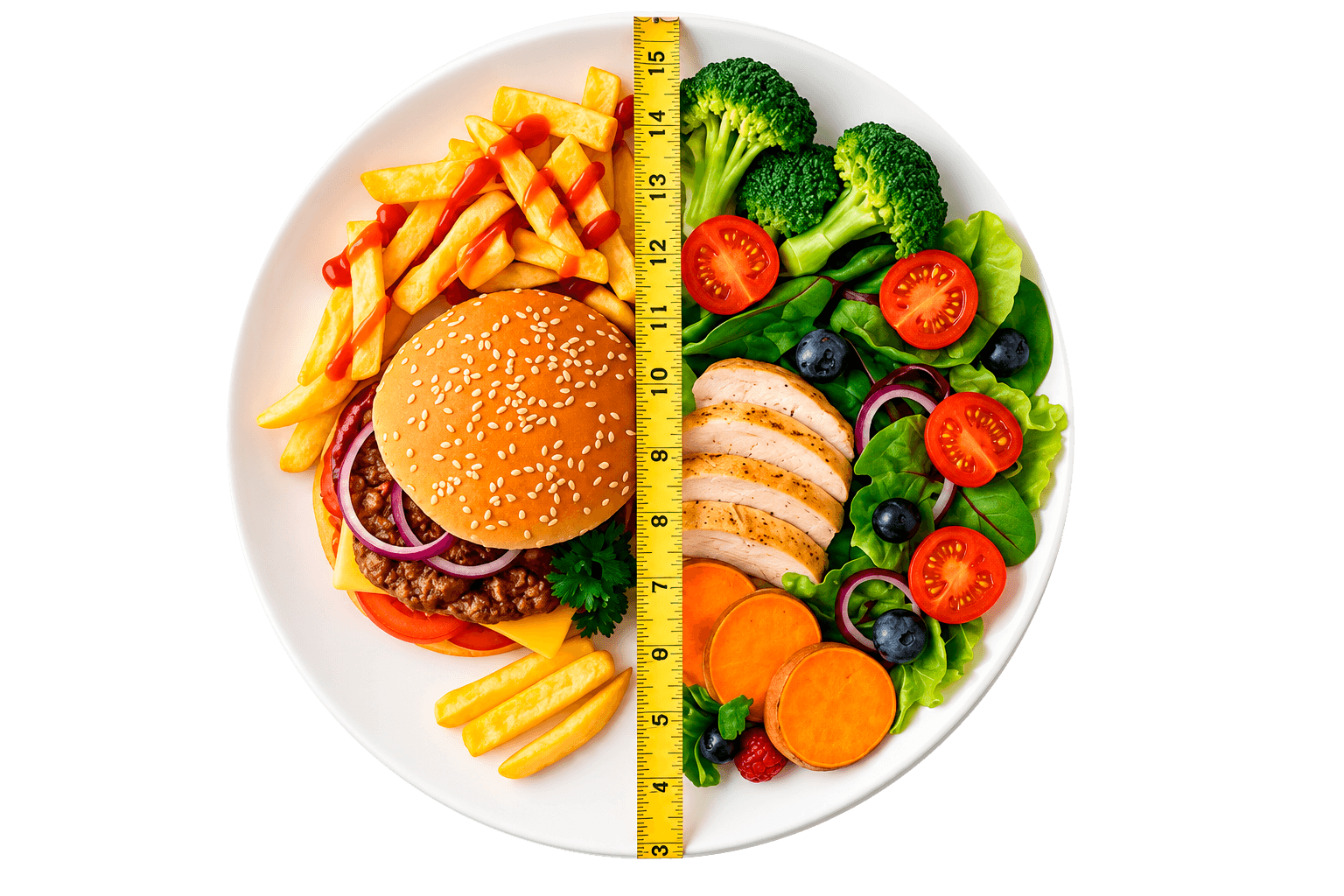
Every scan comes with health signals: how hard a meal spikes your blood sugar, how long it keeps you full, how well it feeds your muscles and how heavy it is on your heart, plus key vitamins and minerals. Two plates, two very different stories.
Snap & Cook
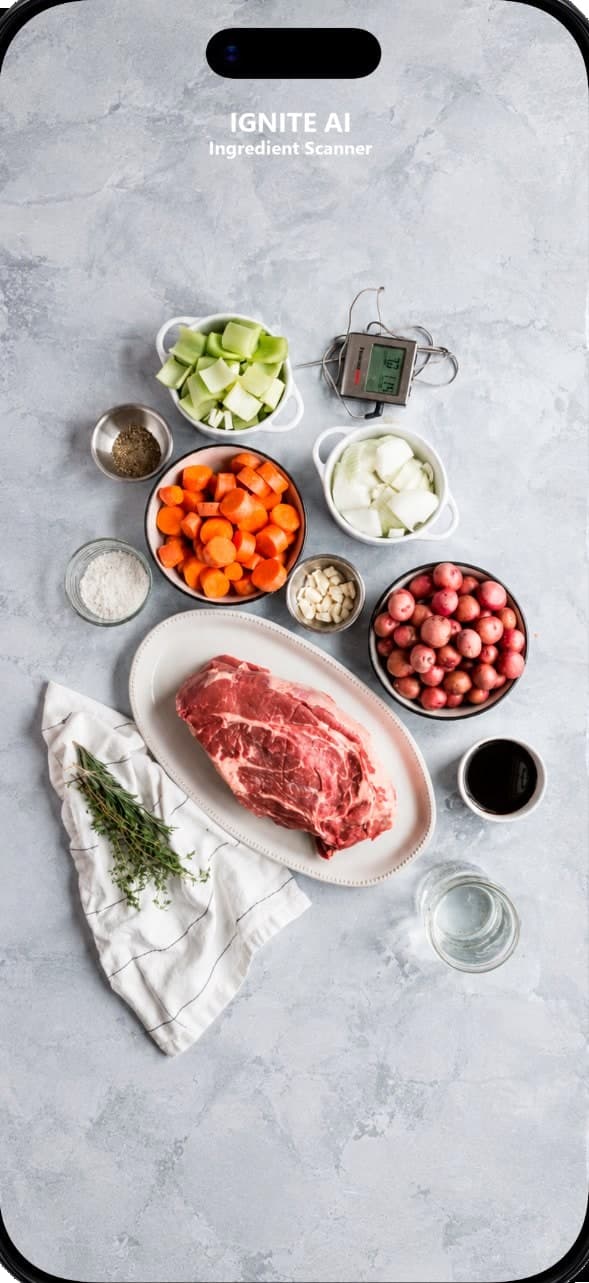
Take one photo of what you’ve got, pick how hungry you are, and IGNITE AI turns it into a recipe that fits your calories, with nutrition, ingredients and every step.
Pick a 12:12, 14:10 or 16:8 plan, or build your own schedule. The timer runs live on your home screen and tells you exactly how long is left until you eat again.
Connect Apple Health or Health Connect and IGNITE AI pulls in your sleep stages, blood oxygen and average heart rate, so you can see how recovery and training move together.
Pick a period and the sections you want, and IGNITE AI emails you a full PDF: weight trend, calories and macros vs your target, workouts, steps and sleep. Send it to yourself, your coach or your nutritionist.
IGNITE AI Coach
IGNITE AI sees your plan, meals, workouts, sleep and steps, so every answer is about you, not a generic diet. Ask anything, or just send a photo of your plate.
Try asking
What your coach sees right now
Calories left
640 kcal
Protein left
46 g
Workout
Upper body · 45 min
Sleep
6h 10m
Steps
8,240
Goal
Lose 4 kg
Friends & groups
Start a private group with your friends, share meals and workouts straight from IGNITE AI, and race each other for the longest streak.
React, reply and keep each other honest, all inside your group.
Streaks & badges
Every day you log keeps your streak alive. Hit milestones to unlock collectible badges, then turn them into a story-ready card.
100 days streak

0
Day streak
Sleep stats, heart rate, steps, and weight changes — plus fasting, PDF reports, and more.
The AI identifies every ingredient on your plate and estimates how much of each there is, then works out the calories, protein, carbs and fat in seconds. Portion weights are estimates, so if you weigh your food you can adjust any ingredient before saving. No photo handy? Log by text, voice, barcode or nutrition label instead.
Classic apps make you search a database for every product and type in the weight by hand, and all you get back is a calorie number. IGNITE AI logs a meal from one photo and goes further:
IGNITE AI works on a subscription through the App Store or Google Play. You can start with a free trial and cancel anytime before it ends in your store settings, no strings attached.
IGNITE AI supports:
Your meal plans, recipes and AI coach follow the eating style you pick, not one template for everyone.
For anyone who wants real results:
If you want results rather than another app you drop after a week, IGNITE AI is for you.
Snap it. Log it. Crush it.